
SCREENSHOT:

Description:
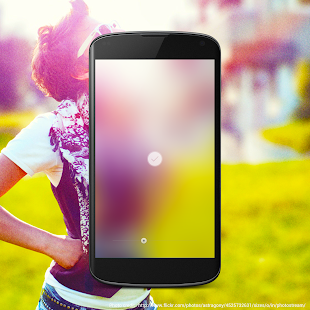
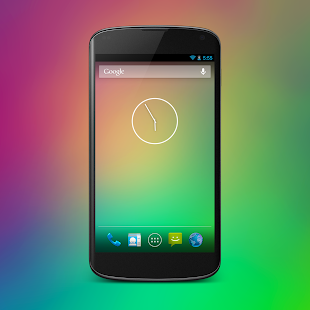
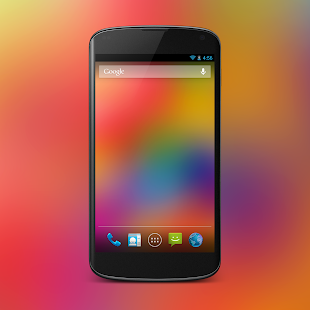
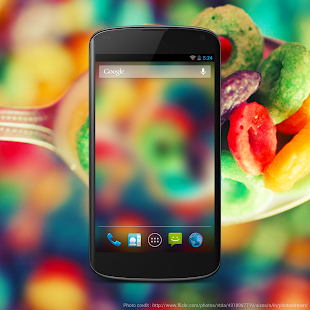
Blur transforms ordinary pictures into stunning Android wallpapers.Blur turns any image into an iOS 7 style wallpaper with one simple control. Choose picture from gallery and turn it into awesome colorful wallpaper for your Home screen.
The basic idea of this app is to blur picture to the extreme and flatten out it into a nice colorful background for your Android device.
Using blur you can create customized wallpaper in three very simple and straightforward steps.
- 1. Crop image
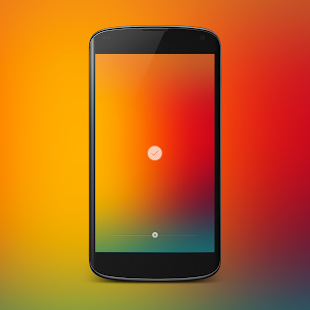
- 2. Apply blur. You can drag the seek bar to the left or right to increase or decrease the intensity of the blur.
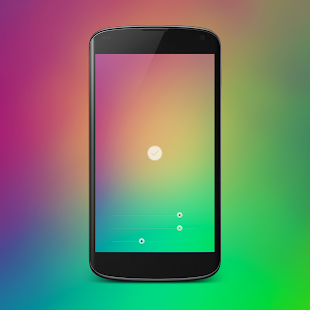
- 3. Play with colors. Swipe up on image to change colors. You can individually control the intensity of the red, green and blue color in the wallpaper image.
Full Feature List :-
- - Adjust blur ( Real-time preview )
- - Adjust colors ( Full control over colors.)
- - Simple and easy crop and re-crop. ( Perfectly crops images which fit perfectly to your device screen)
- - Instantly set wallpaper
- - Save wallpaper to photo library.
- - Load images directly from gallery. Go to gallery -> choose share -> select Blur
- - No Ads
How to use:
- 1. Use Seekbar to change blur strength.
- 2. Swipe up to change colors.
- 3. Swipe down to back to blur.
- 4. Long press on image to re-crop.
- 5. Tap on accept button to set wallpaper.
What’s New:
- Minor Bug Fixes
Instructions:
- Download
- Extract If Downloaded File Is Compressed (RAR or ZIP)
- Install APK
- Launch the App


.png)
.png)
.png)

.png)


0 comments:
Post a Comment